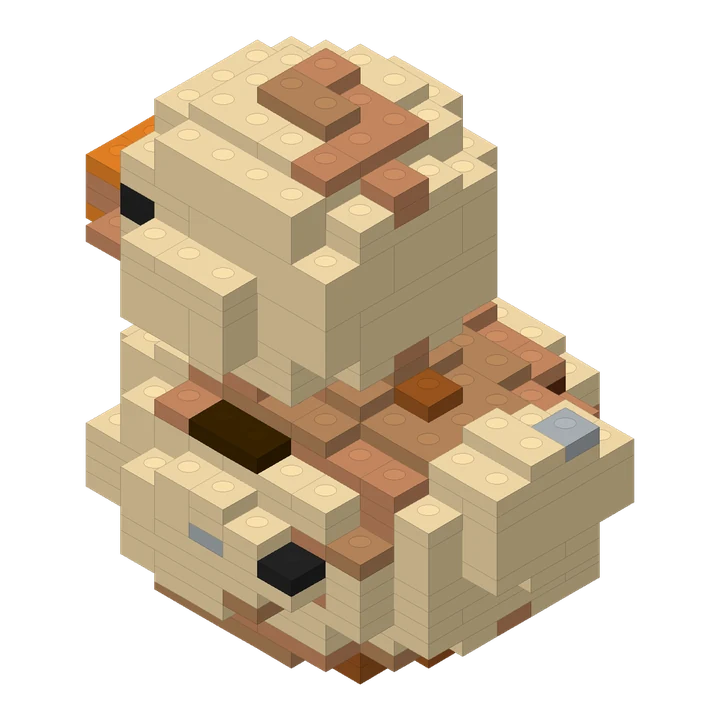
A compact duck design made from a short text description.
274 pieces · 70 steps
Describe an object or upload a photo. You get a 3D brick preview, step-by-step instructions and a parts list.A 3D brick preview, instructions
and a parts list.

Start creating to add an idea or photo.
One free daily build DetailsChoose any one size free each day. Resets at midnight Pacific Time (PT).
Ideas to bricks
Create a 3D brick design from text or a photo. Explore the interactive preview, step-by-step PDF instructions and parts list.
Limited-time free trial · One free build every day. Choose any one size. Resets at midnight Pacific Time (PT); no rollover.
Start with one object in words or a clear photo. Choose small, medium, large or a combination. Explore the brick preview, follow the steps and download the PDF, parts list and instructions package.
Results depend on your input and selected size. Digital checks are reported separately; physical stability has not been verified.
Turn text or a photo into a three-dimensional brick design, rotate the preview and download its building instructions and parts list. Explore actual examples and choose the starting point for your idea.
A compact duck design made from a short text description.
274 pieces · 70 steps
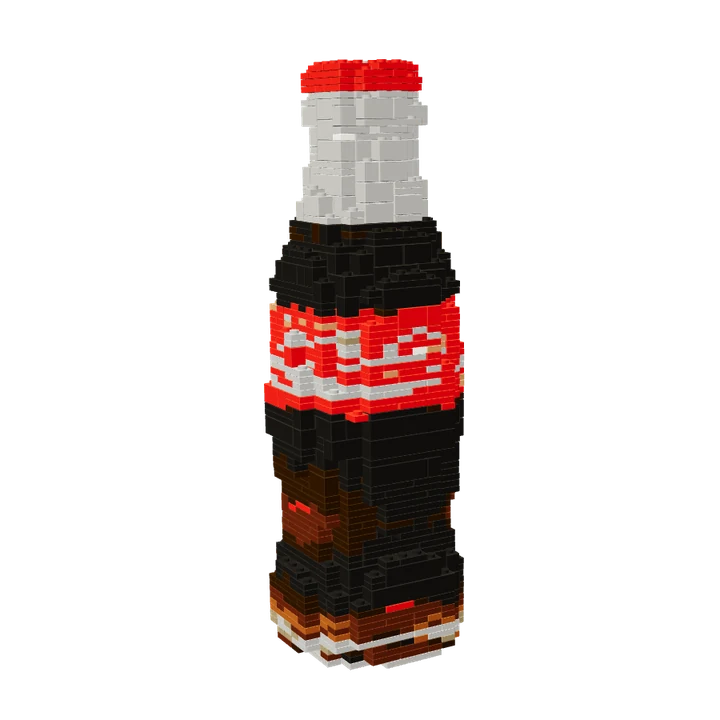
A familiar bottle silhouette turned into a medium-size brick design.
1,172 pieces · 273 steps
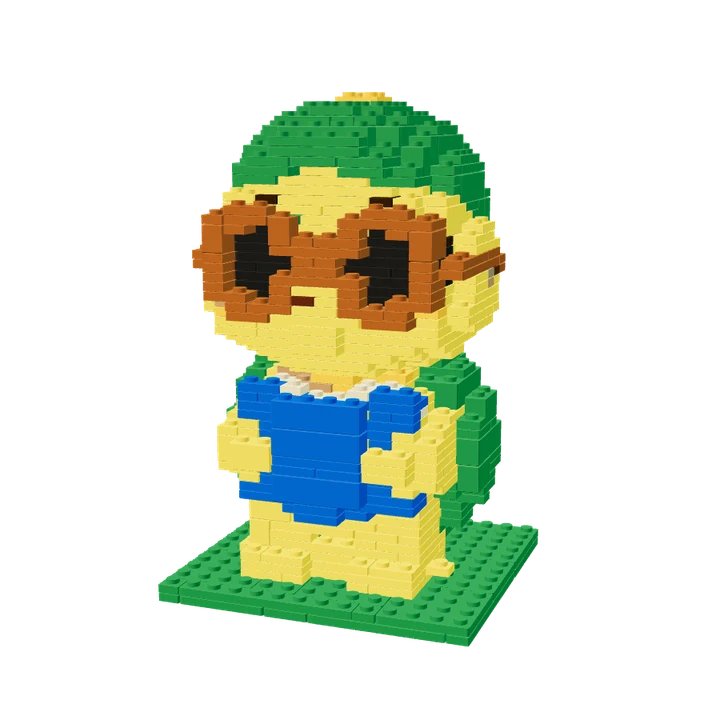
The photo-based turtle used in the homepage story, with its actual medium-size brick layout.
670 pieces · 156 steps
Reviewed by the Lingo Brick team · Updated