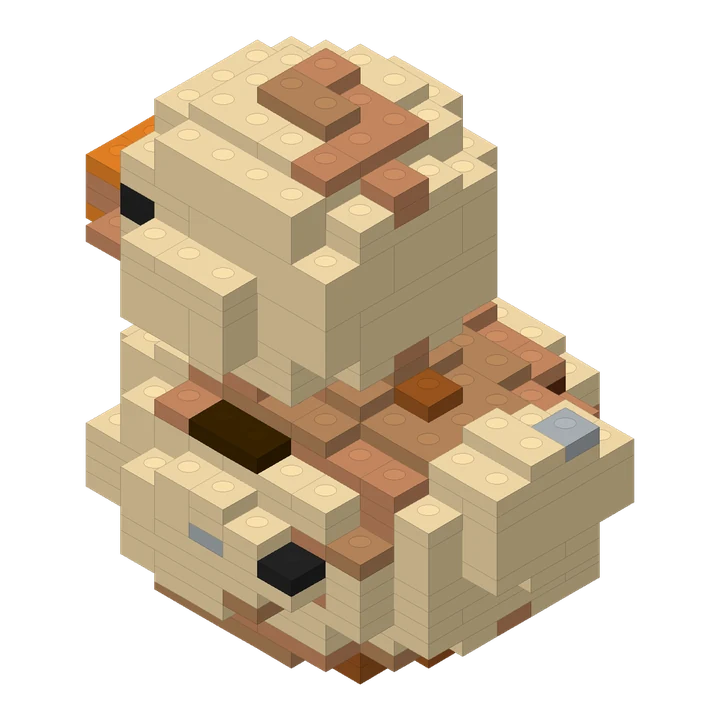
A compact duck design made from a short text description.
274 pieces · 70 steps
Photo to bricks
Turn your photo into a 3D brick model. Rotate the result, follow building steps, and download PDF instructions and a parts list. See real photo-to-model examples.
Limited-time free trial · One free build every day. Choose any one size. Resets at midnight Pacific Time (PT); no rollover.
Upload a JPG, PNG or WebP photograph up to 8 MB. Keep the whole object in frame, use even light and leave some space around the subject. A three-quarter view reveals more depth than a flat front view.
The shortest side must be at least 128 pixels and the image must contain no more than 25 megapixels.
In the Caramel Pudding case, compare the shared reference with the pale body, darker top and stepped outline. In the bottle example, inspect the silhouette while keeping transparent material and unseen surfaces separate from what the photo establishes.
Small, Medium and Large are versions of the same request, with detail adapted to each size. You do not need to choose an object category.
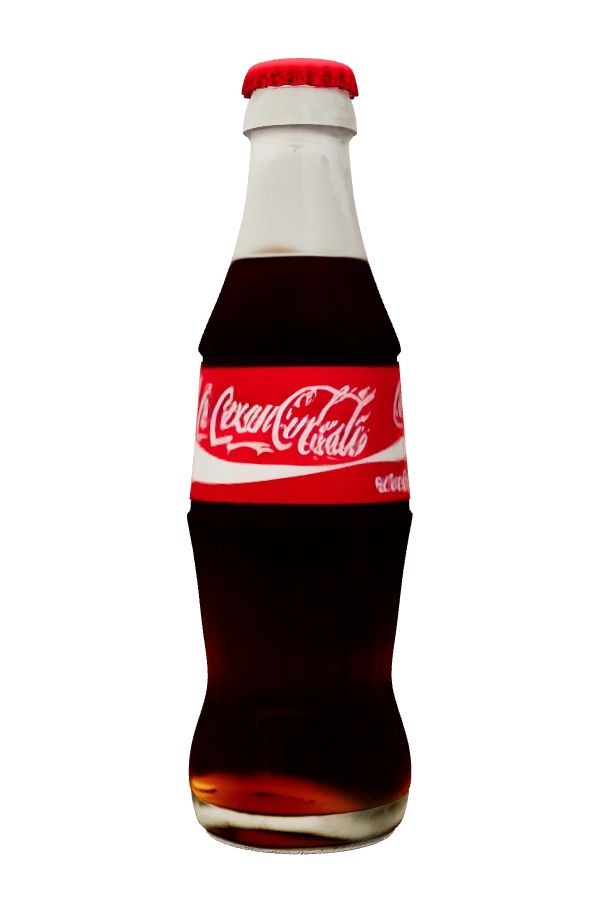
The glass bottle example starts with this object photo. Open the case to compare the brick silhouette and its matching instructions. Its medium design has 1,172 pieces and 273 steps; your model will have its own layout and counts.
Each selected size includes an interactive brick preview, online steps, a PDF booklet, a CSV parts list and an instructions package.
Hidden geometry is inferred. Small details, thin attachments, transparent materials and subtle colors may change. Review the finished preview and digital checks. These files do not include physical bricks, purchasing or delivery.
During the limited-time trial, create one model in any single size free each day. Resets at midnight Pacific Time (PT), with no rollover.
One single-size creation is free each day during the trial. Additional creations use credits; review the quote before submitting. Start with one clear object, inspect the finished design, then open its online building steps and parts list.
PDF and ZIP files are prepared when you request them. Your online guide remains available while those files are being prepared.
Yes. Lingo Brick turns your photo into a three-dimensional brick design with a matching preview, parts list and instructions. Review the result: a single photo cannot show every hidden surface.
The result is a three-dimensional brick design with individual pieces and building steps. A filter changes the appearance of an image; a mosaic arranges colors on a surface.
You can submit a clear photo of one subject without choosing a category. Keep its complete shape visible. Thin details, fur, transparent surfaces and hidden features may be simplified.
You receive digital previews and instructions. Physical bricks, inventory matching, purchasing and shipping are not included.
A compact duck design made from a short text description.
274 pieces · 70 steps
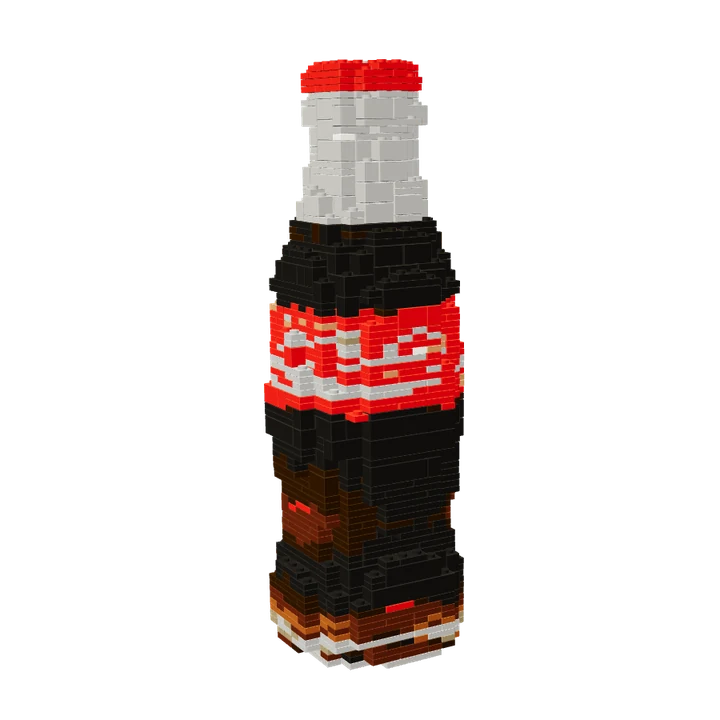
A familiar bottle silhouette turned into a medium-size brick design.
1,172 pieces · 273 steps
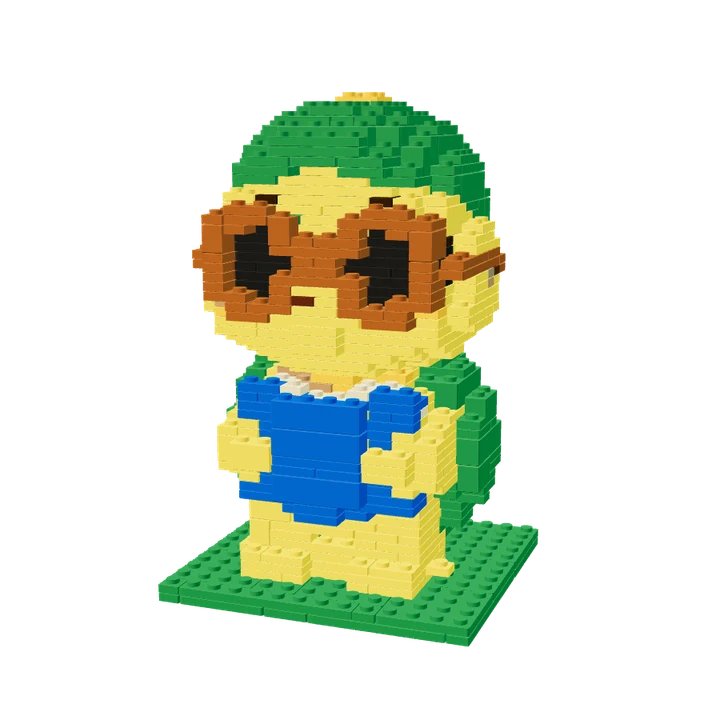
The photo-based turtle used in the homepage story, with its actual medium-size brick layout.
670 pieces · 156 steps
Reviewed by the Lingo Brick team · Updated